 1 / 14
Productivity OS
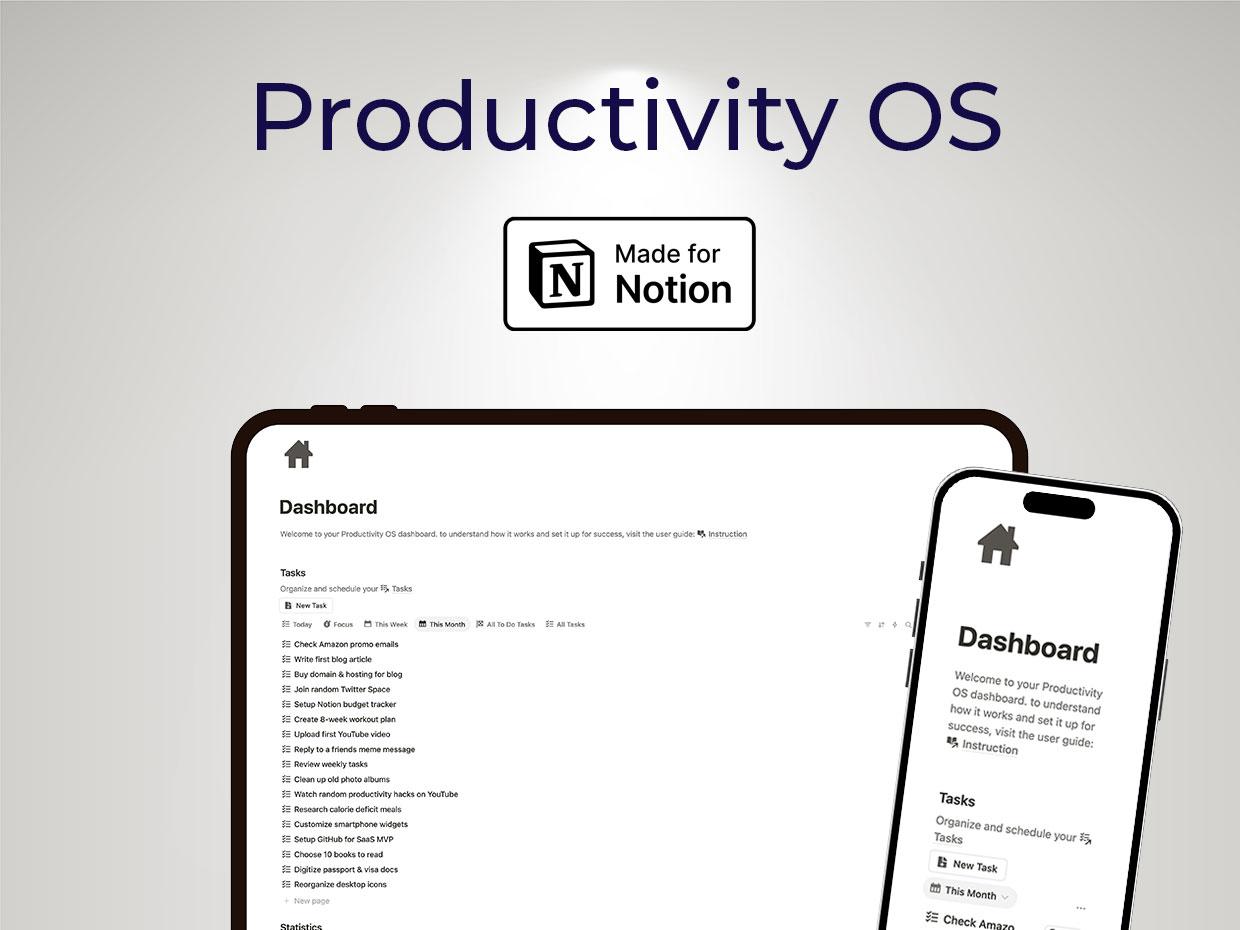
One connected Notion workspace that replaces your scattered productivity apps — plan your day, track habits, manage tasks and hit your goals in a single system.
Stop juggling five apps to stay organized
Most people run their life across a task app, a habit tracker, a calendar and a notes tool that never talk to each other. Productivity OS pulls all of it into one connected Notion workspace — 11 tools that share the same data, so your habits feed your goals, your tasks link to time blocks, and your daily planning rolls up into long-term reflection.
Eleven tools, one system
Capture and organize everything from a central Dashboard, focus your day with My Day, and run distraction-free work sessions with Deep Focus and the built-in Pomodoro timer. Block your calendar with Time Boxing, plan ahead with the Weekly and Monthly planners, build routines with the auto-generating Habit Tracker, and step back with Performance Reflection and the Life Calendar. Tasks are prioritized with an Eisenhower-style matrix and tracked with visual progress indicators.
Who it's for
Professionals juggling multiple projects and goals, anyone tired of stitching together single-purpose apps, and people serious about building habits and planning their life — not just their week. Works across desktop, tablet and mobile.
Duplicate it into your own Notion workspace and you're running in a few minutes — no Notion expertise needed.
What you'll get
- Dashboard — one command center for your whole system
- My Day — a focused daily planning view
- Tasks — due dates, priorities, and links to projects and goals
- Deep Focus + Pomodoro timer — built-in focus sessions
- Time Boxing — assign work to fixed calendar blocks
- Weekly & Monthly planners
- Performance Reflection — productivity metrics and review
- Habit Tracker — auto-generating daily habit cards
- Life Calendar — week-by-week life visualization
- Smart Eisenhower-style task prioritization
- Progress tracking with visual indicators
- Fully customizable — modify views, add properties, hide tools you don't use
- Works on desktop, tablet and mobile
- Lifetime access and free updates